Fix
16 May 2022

Bug fixes & minor updates

Image issues:

  • Company settings page wasn't storing images correctly
  • On unauthenticated pages, header logo not showing correctly (i.e. submit status, submit tender) 
  • On invitation page and on invitation component in header, logos not showing correctly 
  • Team icon not being displayed correctly (for instance, on interactions page; updated the company settings to also update the team settings. 

Other:

  • Deleting a shared app from the portal was not working due to an error 
  • Driver phone configuration dropdown on the smartstatus administration page was not populating all available configurations

SmartSource:

  • Changed number of potential carrier matches in the table to show 20 at a time
  • Selecting "Book" from the menu option on the potential carrier match table wasn't doing anything
  • When adding a rate to a carrier from the potential carrier match table, the carrier wasn't being preselected in the dropdown

Whitelabeled portal:

  • Terms, cookie policy and privacy policy not populating according to whitelabeled settings 
New feature
4 years ago

Post data into loglink APIs from within the loglink application

Ability to send posted data directly into the loglink APIs without leaving the application or having to use a tool like Postman. Can also be used to save templates of data for testing scenarios. Intended for more advanced users who want to manipulate the data being sent into the application directly. 


New feature
4 years ago

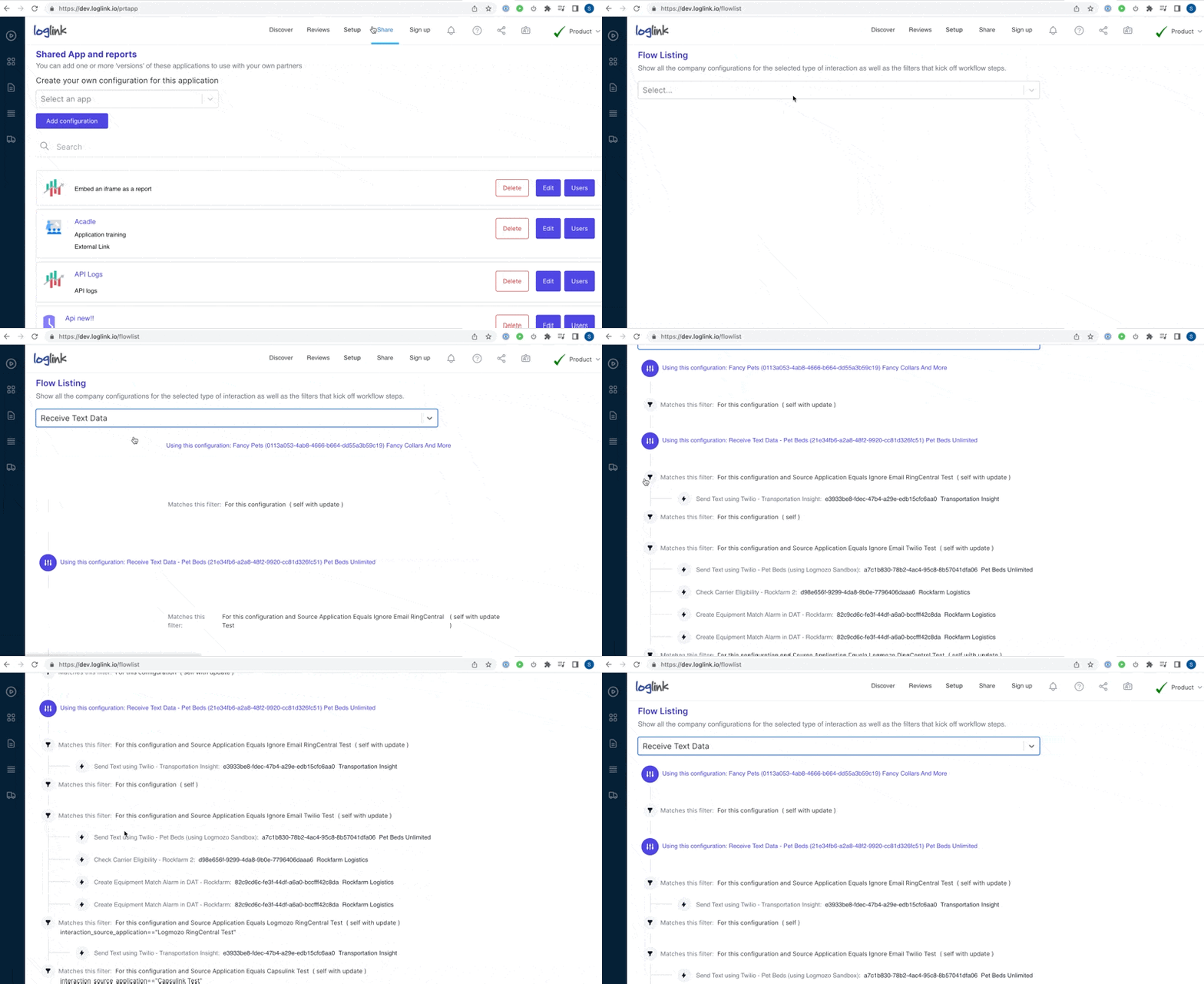
Flow listing

Currently Logmozo employees set up flows for customers to achieve a business goal, such as sending text messages to drivers. Behind the scenes, these are implemented as workflow steps that get executed based on certain conditions. This task is to provider better visibility to customers for those workflows. 
New option available under "Setup > Flows" menu


13 May 2022

Flow listing

Currently Logmozo employees set up flows for customers to achieve a business goal, such as sending text messages to drivers. Behind the scenes, these are implemented as workflow steps that get executed based on certain conditions. This task is to provider better visibility to customers for those workflows. 

New feature
4 years ago

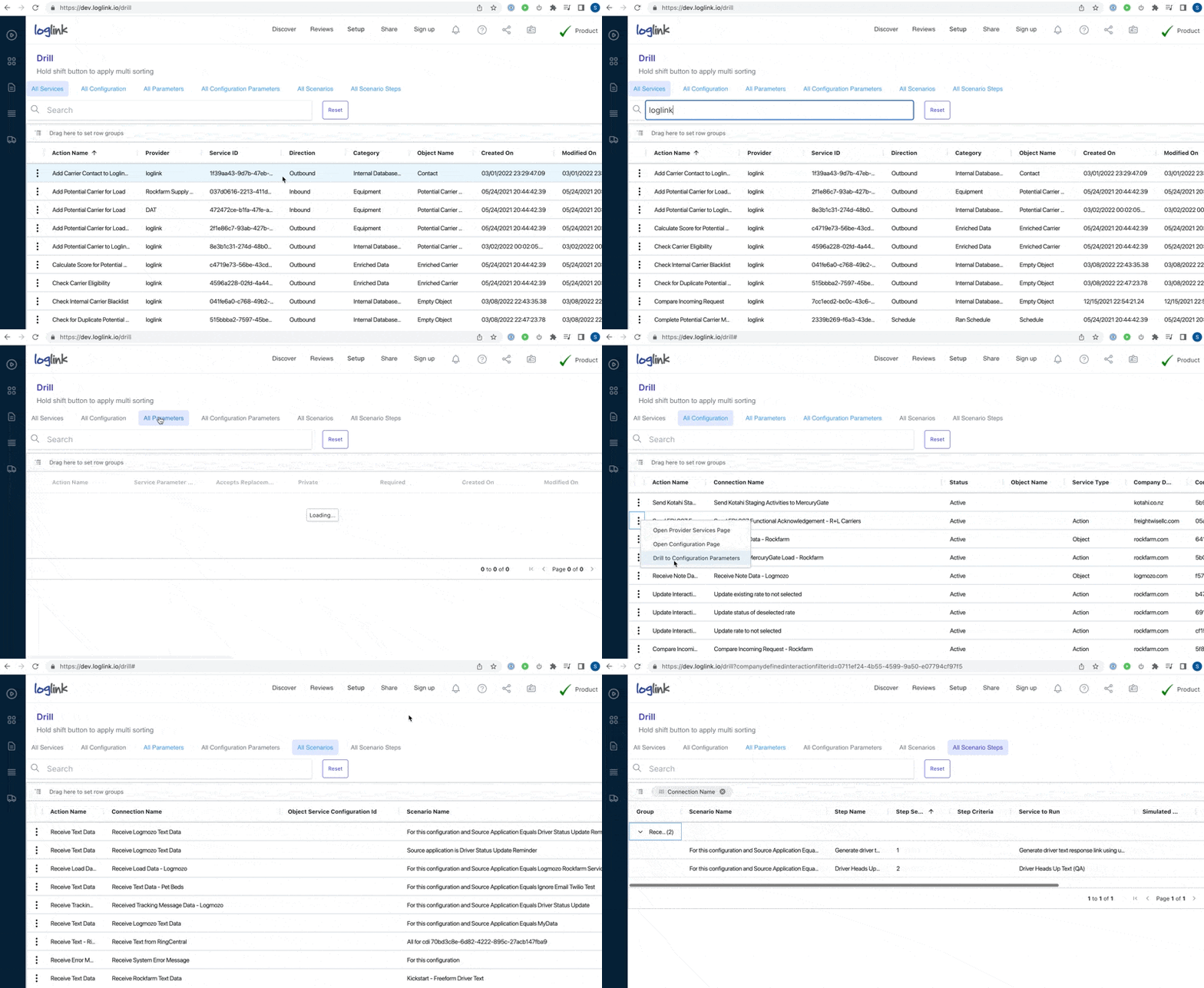
List view of integration configurations

Sometimes it's easier to manage a large number of configurations through a table view rather than finding them individually. New page has been added to allow viewing types of configurations, company configurations, available parameters, company parameters, and flow steps within table views. 


New feature
4 years ago

Update SmartStatus texting to support multiple phone numbers for a single company

Previously it was only possible to set up SmartStatus to support a single set of configurations for a company. 

Now can have settings for multiple divisions or sets of users within a single company, for both user initiated texting and for scheduled texts.